
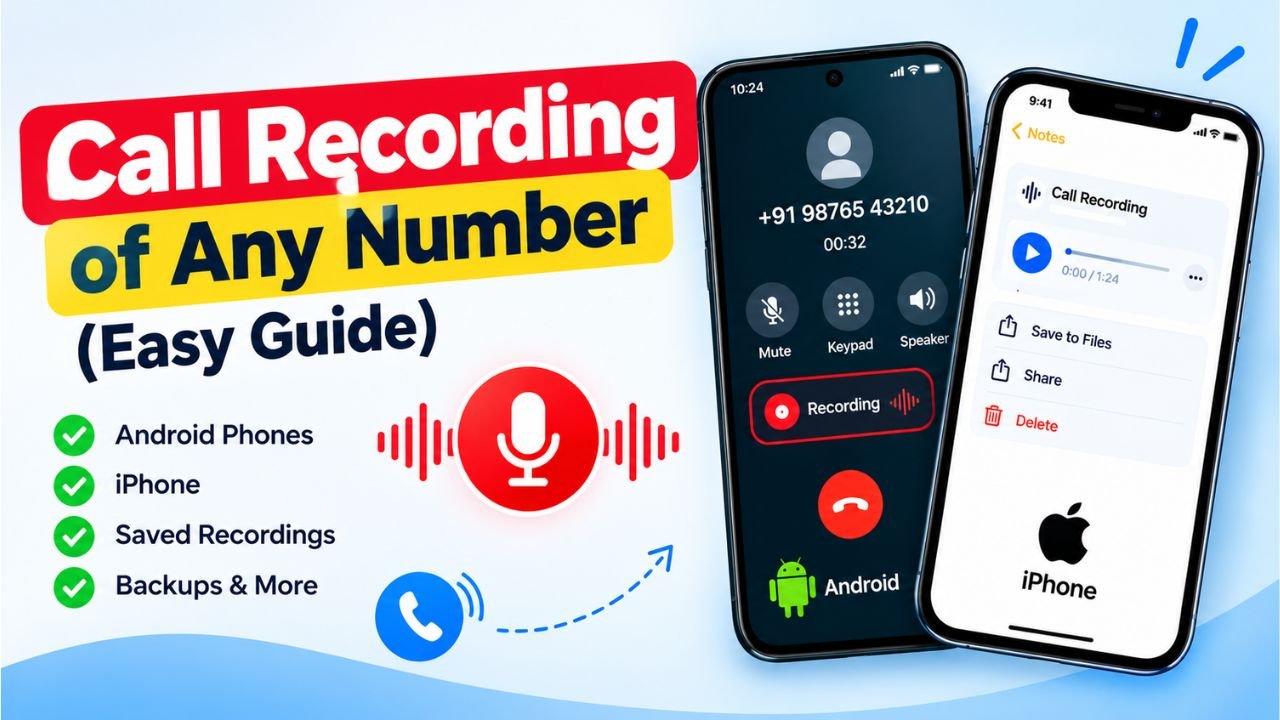
Have you ever wanted to listen to an important phone conversation again but could not find the recording? You may need an old call recording to remember important information, check business details, or keep a record of a conversation. Fortunately, there are several ways to find and listen to call recordings on your phone.
If you are searching for how to get call recording of any number, the first thing to understand is that you can usually access recordings saved on your own phone or recordings that someone has lawfully shared with you. There is no universal service that allows you to download the private call recordings of any phone number simply by entering that number.
In this guide, you will learn how to find call recordings on Android phones, check iPhone recording options, recover missing recordings, and understand what to do if you need a recording from another person’s phone.
Can You Get Call Recording of Any Number?
No, you cannot directly get the call recording of any random phone number just by entering the number online. Call recordings are generally stored on the device that recorded the conversation or within a supported recording service.
However, you may be able to obtain a recording through these methods:
- Check the call recording feature on your Android phone.
- Look for saved recordings in your phone’s storage.
- Check whether your phone’s recording app has a backup.
- Ask the person who recorded the call to share the audio file.
- Contact your organization or service provider if the call was recorded through a legitimate business system.
- Seek appropriate legal assistance if a recording is required for a legal matter.
The method you should use depends on your phone model, recording settings, and where the original audio file was saved.
1. How to Get Call Recording on an Android Phone
Many Android smartphones have a built-in call recording feature, although its availability depends on the phone manufacturer, software version, region, and dialer app.
Follow these steps to check for an existing recording.
Step 1: Open the Phone app
Unlock your Android phone and open the Phone or Dialer app that you normally use to make calls.
Step 2: Open your recent calls
Find the number or contact whose conversation you want to hear again. Tap the call entry to view its details.
Step 3: Look for the recording option
If the call was recorded, you may see a recording playback button or a recording entry in the call details. Tap it to listen.

Step 4: Save or share the recording
If your phone provides a download, share, or export option, use it to save the audio file in a secure location.
Keep in mind that not every phone stores recordings in the same place. If the recording is not visible in the Phone app, check your device’s recording folder or file manager.
2. How to Find Call Recordings on Samsung Phones
Samsung phones may offer call recording features in supported regions and software versions.
To look for an existing recording:
- Open the Phone app.
- Tap the three-dot menu or open the available call settings.
- Look for the call recording section, if available.
- Check the list of recorded calls.
- Select the required recording and play it.
You can also open the My Files app and search for audio files or folders associated with call recordings. Folder names and storage locations can vary by device and software version.
If you cannot find the feature, it may not be supported on your particular model or in your region.
3. How to Get Call Recording on Vivo, Oppo, Realme, Redmi, and Other Android Phones
The steps for finding call recordings are similar across many Android devices, but the menus can differ.
Here is a general guide:
Vivo: Open the Phone app and check the call history or recording settings. If your model supports automatic call recording, look for saved recordings in the relevant section.
Oppo: Open the Phone app, review the call history, and check the recording playback options. The available features depend on your dialer and software version.
Realme: Check the Phone app for recording controls and review your file manager for saved audio files.
Redmi and Xiaomi: Open the Phone app and check the call details or recording list. The exact options depend on your device and dialer version.
OnePlus: Review your Phone app’s call history and settings. Recording support can vary according to the model, region, and software.

Other Android phones: Check the default Phone app first, followed by the file manager and any recording app you previously used.
If you are unsure where the recording is saved, use the file manager’s search feature to look for audio files. Do not assume that every audio file you find is a call recording.
4. How to Get Call Recording on an iPhone
iPhones have different call recording options from Android devices. Availability depends on the iOS version, region, language, and supported features.
If you recorded a call using a supported iPhone feature, follow these steps:
- Open the Notes app.
- Look for the note associated with the recorded call, if your device saves recordings there.
- Open the relevant note.
- Find the call recording and use the playback option.
- Follow the available options to save or share the recording, if supported.
If you used a third-party calling or recording service, check that service’s app and account for saved recordings.
If the call was never recorded, your iPhone generally cannot recreate the original conversation afterward. You may need to ask the other participant whether they have a recording.
5. How to Get an Old Call Recording That Is Missing
Sometimes, a recording exists but cannot be found in the Phone app. Before assuming it has been permanently deleted, try the following steps.
Check your phone’s file manager
Open your device’s file manager and search for audio files or folders related to call recordings. Check internal storage and any relevant folders used by your recording app.
Check your recording app
If you used a separate recording application, open it and review its recording list, trash folder, or recovery options.
Check cloud backups
If your phone or recording app backed up the audio files, check the associated cloud account. A backup will help only if the recording was included before it went missing.
Check recently deleted files
Some apps and devices temporarily keep deleted files in a trash or recently deleted folder. Open the relevant folder and restore the recording if it is still available.
Understand the limits of recovery
If the recording was permanently deleted and no backup exists, recovery may not be possible. Avoid unfamiliar apps or websites that promise guaranteed recovery of private call recordings.
6. Can You Get Call Recording by Entering a Mobile Number Online?
Many people search for websites that claim to provide the call recording of any mobile number after entering a phone number.
You should be careful with such services. A mobile number alone does not normally provide access to another person’s stored audio recordings. Legitimate recording access requires an authorized source, such as the original device, an account with permission, or a recording service that lawfully holds the audio.

Avoid websites that ask you to provide an OTP, phone password, Google account password, or payment in exchange for someone else’s private call recordings. These services may be scams or attempts to steal personal information.
If you need a particular conversation, the safest option is to locate the original recording or ask the person who has it to share it with you.
7. Can You Get Call Recording From a SIM Card or Mobile Network?
A SIM card generally does not store ordinary phone call audio recordings. It is primarily used for subscriber identification and network access, along with limited data storage capabilities.
Mobile network operators may maintain certain call-related records, subject to applicable laws and retention policies. However, call details such as a number, date, time, or duration are different from an audio recording of the conversation.
You should not expect a mobile operator to provide an ordinary customer’s private call audio simply because you know the phone number. If a recording is relevant to a legal proceeding or an official investigation, use the appropriate lawful process.
8. How to Record Future Calls on Your Phone
If you want to listen to important conversations later, you can check whether your phone supports call recording.
Follow these general steps:
- Open your Phone app.
- Go to Settings or Call Settings.
- Look for a Call Recording option.
- Review the available manual or automatic recording settings.
- Enable a supported option if you wish to use it.
- Make a test call and confirm that the recording is saved correctly.
Not every phone or region supports this feature. Some devices announce recording to participants, while others may have different notification requirements.
Before recording a conversation, follow applicable privacy laws and obtain consent when required. Store recordings securely and avoid sharing sensitive audio without authorization.
9. Is It Legal to Get Someone Else’s Call Recording?
The legality of recording, accessing, or sharing a phone conversation depends on the country, circumstances, and how the recording was obtained.
In India, privacy rights and applicable laws can affect whether a recording may be obtained, used, or disclosed. Accessing another person’s phone, account, or private recordings without permission can create legal and privacy problems.
If you need a recording as evidence, consider speaking with a qualified lawyer about lawful ways to obtain and preserve it.
Never use a call recording tool to spy on someone, bypass account security, or access private conversations without authorization.
Frequently Asked Questions
Can I get call recording of any number online?
No. A phone number alone does not give you access to another person’s private call recordings. You need access to the original recording or an authorized source.

How can I listen to my old call recording?
Open your Phone app and review the relevant call details. If the recording is not there, check your file manager, recording app, backups, and recently deleted files.
Can I get a call recording from my SIM card?
Ordinary SIM cards do not store the audio of phone conversations. Check your phone or recording service for saved audio files.
Can I recover deleted call recordings?
Possibly. Check the trash folder, recording app, and available backups. Recovery is not guaranteed if the recording was permanently deleted.
Can I get someone else’s call recording without their phone?
Not through a legitimate universal number lookup service. You generally need the recording owner’s cooperation or another lawful, authorized way to obtain the file.
Do mobile companies keep call recordings?
Call records and call audio are different things. Do not assume that a mobile network operator keeps or can provide the audio of ordinary customer calls.
How do I download a call recording from my Android phone?
If the recording is available, open the Phone app or the relevant recording app and use its supported save, export, or share option. The steps vary by device.
Conclusion
Finding a call recording depends on whether the conversation was recorded and where the audio file was stored. If you want to know how to get call recording of any number, start by checking the Phone app, file manager, recording application, and available backups on your own device.
If the recording belongs to another person, ask them to share it or use an appropriate authorized process. Avoid websites that promise access to private recordings simply by entering a mobile number. Protecting privacy and using trusted recovery methods will help you find legitimate recordings without putting your personal information at risk.