
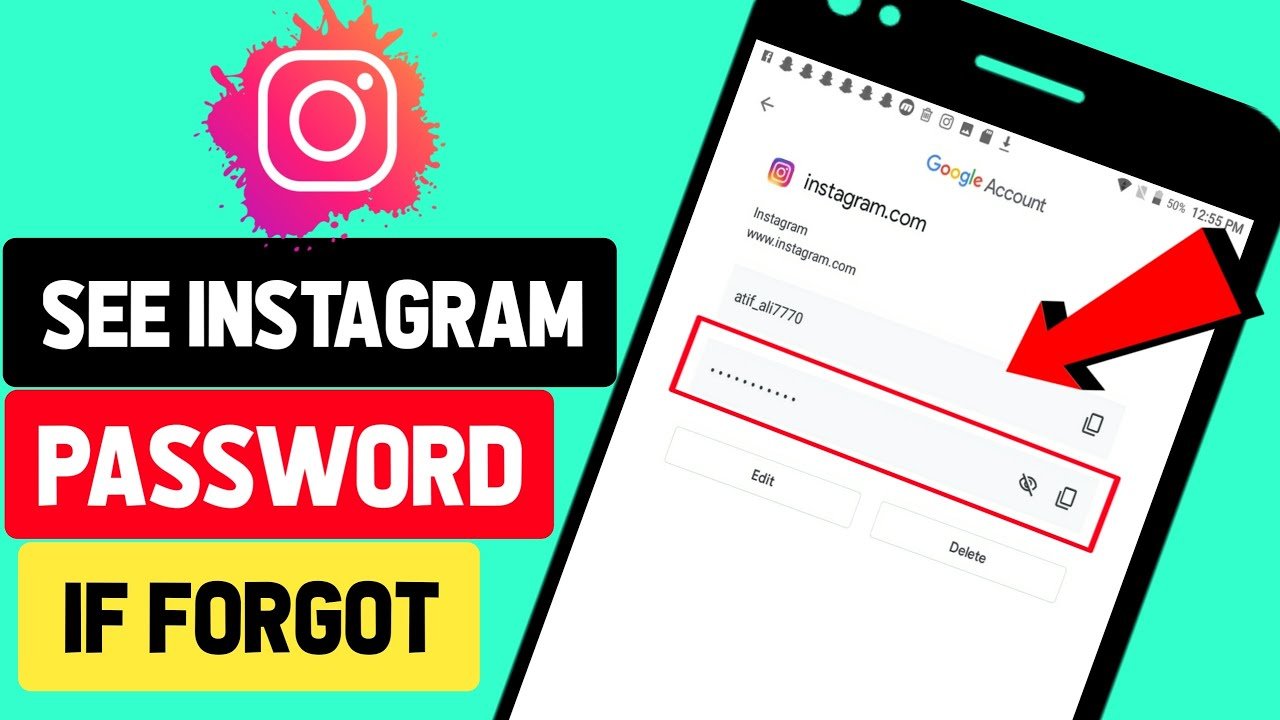
Instagram password show: If you are forgot instagram passowrd and want to check instagram password then this information for you. In this article we talk you about how to see instagram password step by step.
How to See Instagram Password (Reset Instagram Password)
You can find your Instagram account password without resetting it, but for this, it is necessary that you have saved your password in Google. If you have saved your password in Google, then you can find it using the following method:
Step #1: On an Android device, you can check your passwords through your Google account. To view the password, tap on Google in your device settings.
Step #2: After that, tap on the “Manage your Google Account” option.

Step #3: After that, go to the “Security” tab. Now, to view your saved passwords, tap on “Password Manager.”
Step #4: If you have saved your password on Google, scroll down and you will see the Instagram option—tap on it. Keep in mind that all the passwords you have saved on Google will be visible here.
Step #5: To view your Instagram password, tap on the Instagram option. Then verify your identity using your PIN or fingerprint scan.
Step #6: Now, to view your Instagram account password, tap on the eye icon below your username. Here, you will be able to see your Instagram account password.

How to Find Instagram Password on Laptop
You can also find your Instagram password on a laptop or desktop through a browser. For this, you can use the Google Chrome browser. However, keep in mind that you can only view your Instagram password if you have previously logged into Instagram on your PC and saved the credentials.
Step #1: First, open the Chrome browser on your laptop/PC. Click on the three vertical dots icon next to the address bar.
Step #2: From here, go to the Settings option.
Step #3: Now, go to the “Autofill and Passwords” tab and click on “Google Password Manager.”

Step #4: Then scroll down and find the instagram.com option, and click on your username.
Step #5: You may now be asked to verify your identity by entering your PC PIN/password or scanning your fingerprint.
Step #6: Finally, click on the eye icon to reveal your Instagram password.
After this, you will be able to see your Instagram account password. Using the methods mentioned above, you can find your password without resetting your Instagram account.

You can see instagram password by these easy methods.