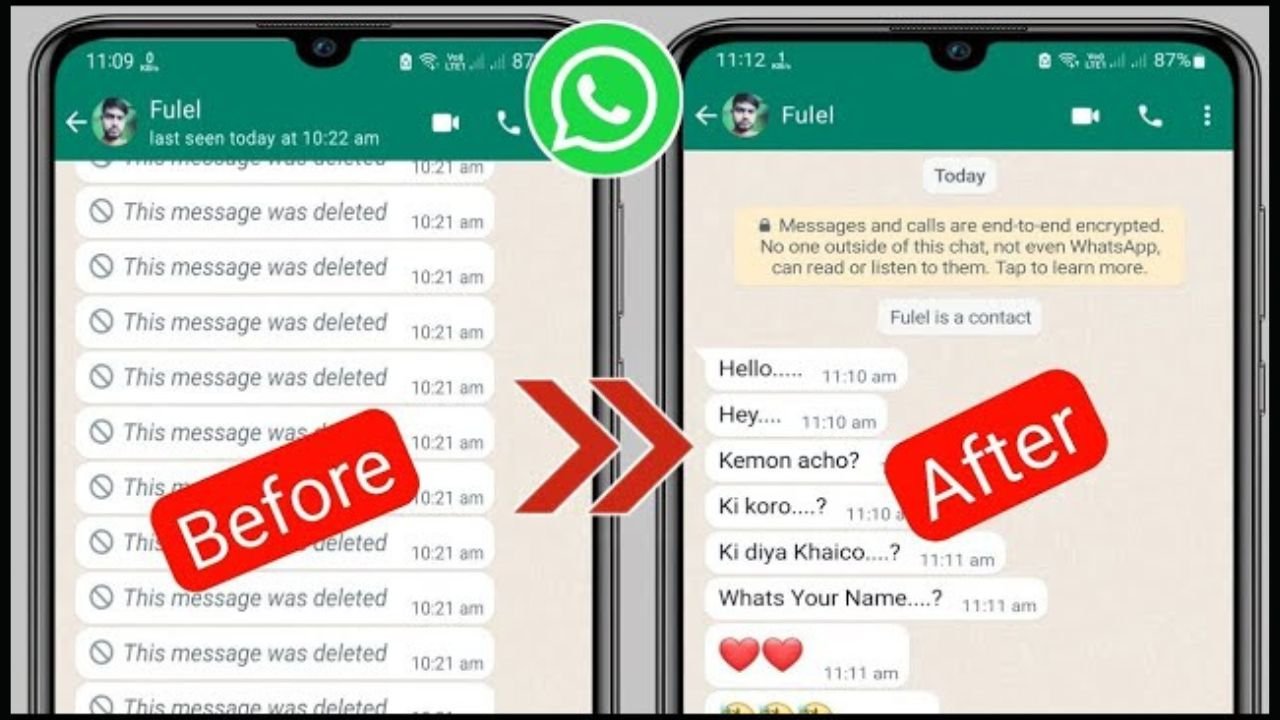
Recover WhatsApp Deleted Messages: Losing important WhatsApp messages can be frustrating, especially when they contain personal memories, work details, or critical information. Fortunately, there are several reliable ways to recover deleted WhatsApp messages—depending on your device, backup settings, and timing.
In this complete guide, you’ll learn proven methods to restore deleted WhatsApp chats on Android and iPhone, along with expert tips to prevent future data loss.

How to Restore Deleted WhatsApp Chats:
If you want to recover deleted WhatsApp messages, you need to do one important thing in advance—always keep a backup of your WhatsApp data. You can back up your WhatsApp messages to Google Drive. If you have already done this, then you will be able to recover your deleted WhatsApp messages.
How to Recover WhatsApp Deleted Messages:
- First, you need to uninstall WhatsApp from your phone.
- After that, reinstall WhatsApp.
- Then, enter your registered mobile number.
- You will receive an OTP—enter it to verify.
- After verification, tap on the Restore Backup option.
- Once you do this, your data restoration process will begin.
- After completion, your deleted messages will appear again.
👉 However, this will only work if you have previously taken a backup of your WhatsApp chats.

How to Back Up WhatsApp Chats:
- First, open WhatsApp on your phone.
- Then, tap on More Options (three dots).
- Go to Settings, then tap on Chats.
- After that, select Chat Backup and tap on Back Up to Google Drive.
- You will be redirected to a new page.
- Here, select the Google account where you want to save your backup.
- If your account is not added, tap on Add Account and log in with your details.
👉 That’s it! Your WhatsApp chats will be successfully backed up.