
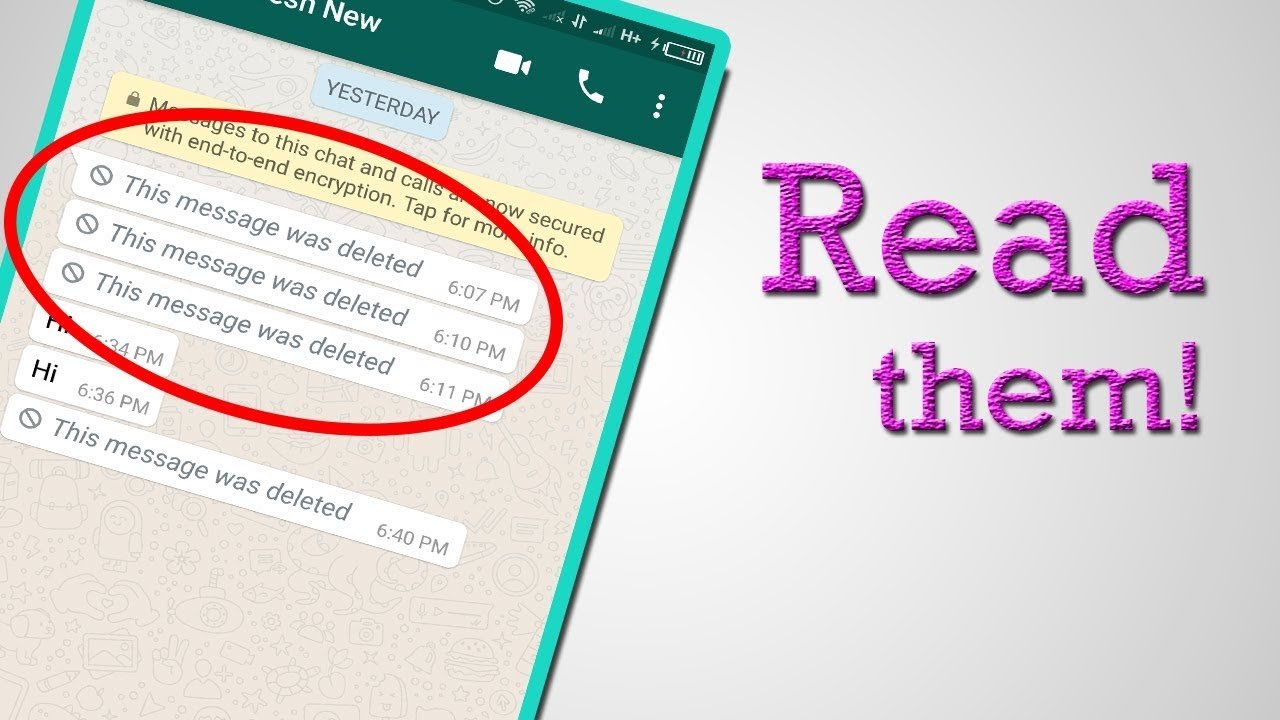
How to Read Deleted Messages on WhatsApp: Have you ever received a WhatsApp message and noticed that the sender deleted it before you could read it? If you see the “This message was deleted” notification, you may wonder whether there is a way to read the deleted WhatsApp message.
The good news is that, in some situations, you may be able to recover the text that appeared in your notification. However, there is no official WhatsApp feature that allows you to directly read a message after the sender has deleted it for everyone.
In this guide, we explain about how to read deleted messages on whatsapp, including Android Notification History, WhatsApp backups, and the limitations of third-party recovery apps.
Can You Read Deleted WhatsApp Messages?
WhatsApp allows users to delete messages for everyone. Once a message is deleted, it normally disappears from the conversation and is replaced by a notification such as “This message was deleted.”
WhatsApp does not provide a built-in “Read Deleted Messages” feature.
However, Android’s notification history can sometimes preserve the text of a WhatsApp notification. This means you may be able to see the message if it was already displayed as a notification before the sender deleted it.
The result depends on your phone, Android version, notification settings, and whether the message generated a notification.
How to Read Deleted Messages on WhatsApp: Complete Guide
Here, we explain the safest methods to read deleted WhatsApp messages. You can follow all methods and read deleted whatsapp messages easily.

1: Use Notification History on Android
One of the easiest ways to check a deleted WhatsApp message on Android is through Notification History.
Some Android phones can save recent notifications, allowing you to review notification content even after the original WhatsApp message has been deleted.
The exact menu can vary depending on your phone manufacturer.
Generally:
- Open Settings on your Android phone.
- Go to Notifications.
- Look for Notification History.
- Turn on Use Notification History or a similar option.
- Open WhatsApp and continue using it normally.
If someone sends you a WhatsApp message and it appears in your notification, your phone may save that notification in its history.
If the sender later deletes the message, you can check Notification History to see whether the original notification text is still available.
Important Limitation: Notification History generally needs to be enabled before the message arrives.
If you enable it after a WhatsApp message has already been deleted, it usually cannot recover that old message.

2: Check WhatsApp Backup
Another possible method involves your WhatsApp backup.
WhatsApp can create backups of your chats. If a message was present when a backup was created but was deleted afterward, an older backup may contain that message.
However, restoring a backup can affect your current chat history, so you should be careful before attempting this method.
For example:
- Monday: You receive a WhatsApp message.
- Tuesday: WhatsApp creates a backup containing the message.
- Wednesday: The sender deletes the message.
- The Monday/Tuesday backup may still contain the message.
Whether this works depends on the backup date and your WhatsApp backup configuration.
Check Your WhatsApp Backup
Open WhatsApp and go to:
Settings → Chats → Chat Backup
Here you can check when your most recent backup was created.

Do not immediately uninstall WhatsApp just to try recovering one message. Make sure you understand what data your current backup contains before restoring an older backup.
3: Android Notification Log
Some Android devices provide notification-related features that can help you review previously received notifications.
If WhatsApp notifications were enabled, the notification may have contained part or all of the deleted message.
For example, you might receive:
Rahul: Meeting is scheduled for 5 PM.
If Rahul deletes the message afterward, the WhatsApp conversation may show “This message was deleted.” However, the notification history on some Android devices may still contain the earlier notification.
This method is particularly useful when you only need to recover the text of a short message.

Final Words
If you want to read deleted messages on WhatsApp, the most practical option for many Android users is to check whether Notification History was enabled before the message was deleted.
WhatsApp backups can also be relevant if an older backup contains the message. However, neither method guarantees recovery, and iPhone users have fewer built-in options.
Most importantly, avoid suspicious third-party applications that promise guaranteed access to deleted WhatsApp messages. Protect your privacy and never share your WhatsApp verification code, password, or sensitive account information with such services.