
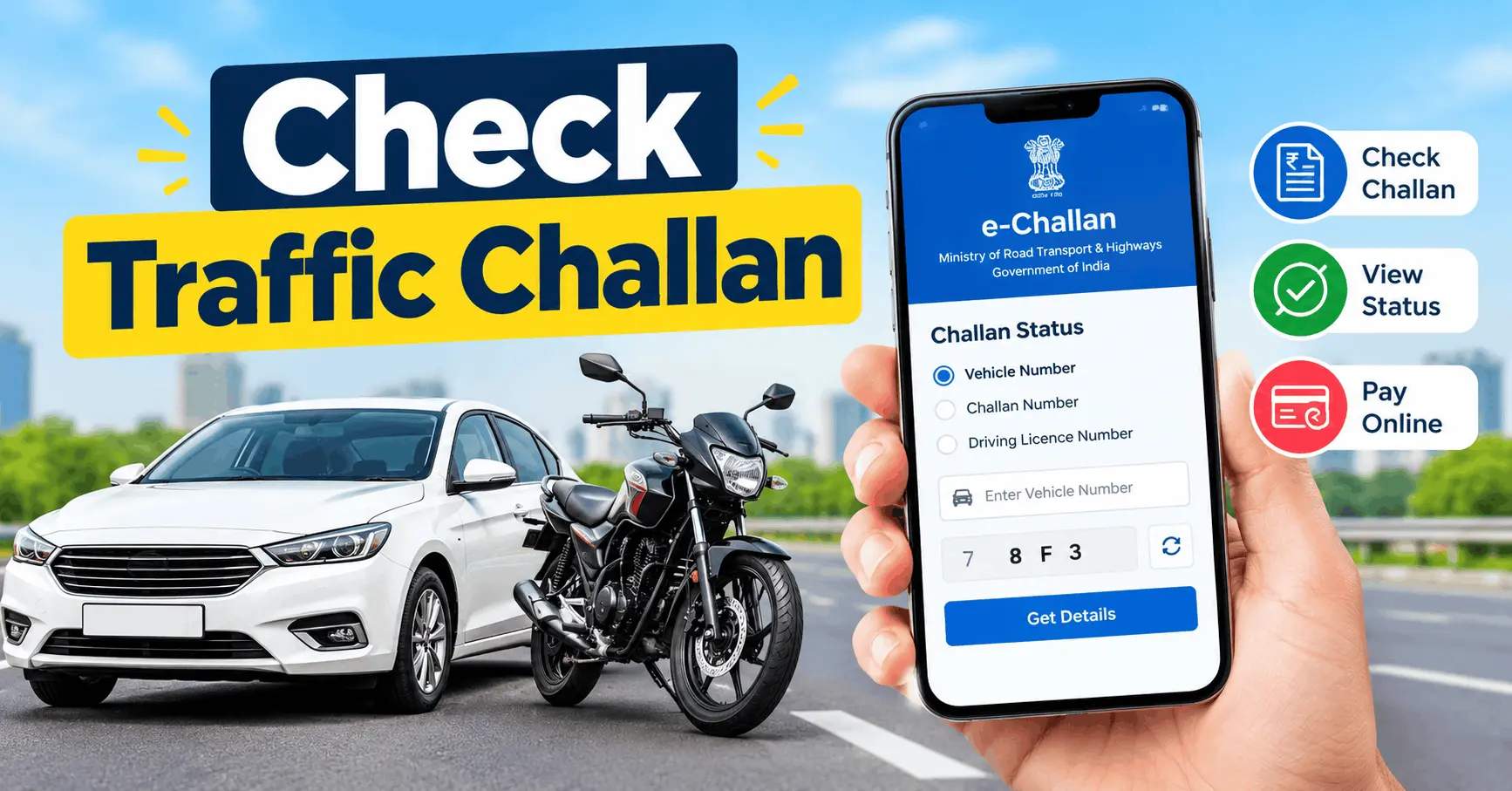
Check Traffic Challan Online: If you want to know whether your bike, car, or other vehicle has a pending traffic challan, you can check it online from your mobile phone or computer.
The online e-Challan system allows vehicle owners to view available traffic violation records, check penalty amounts, verify payment status, and pay eligible challans without visiting a traffic police office.
In India, you can check your traffic challan using your vehicle registration number, challan number, or driving licence details through the official government e-Challan portal. The process is simple and usually takes only a few minutes.
In this guide, you will learn how to check traffic challan online in India, how to check pending challans by vehicle number, how to pay an e-Challan online, and what to do if you find an incorrect challan or cannot see your records.
What Is a Traffic Challan?
A traffic challan is an official notice issued when a driver or vehicle is found violating traffic rules. It may be issued by traffic police officers or generated through electronic enforcement systems, such as traffic cameras and speed-monitoring devices.
Common reasons for receiving a traffic challan include:
- Driving without a valid driving licence.
- Riding a two-wheeler without a helmet.
- Driving without wearing a seat belt.
- Overspeeding or jumping a red light.
- Using a mobile phone while driving in violation of applicable rules.
- Driving without valid vehicle documents.
- Parking in a prohibited area.
- Violating other applicable traffic regulations.
The penalty depends on the type of offence and the applicable central or state rules. You should check the details on the official portal rather than relying on a general list of fines.
How to Check Traffic Challan Online in India
The easiest way to check a traffic challan is through the official Ministry of Road Transport and Highways e-Challan portal.
Follow these steps to check your traffic challan online.
Step 1: Visit the Official e-Challan Website
Open your mobile browser or computer browser and visit the official e-Challan portal.
Make sure the website address is correct before entering any vehicle or personal details. Avoid using suspicious links received through SMS, WhatsApp, or unknown websites.
Step 2: Open the Challan Status Option
Look for the option to check challan status or get challan details. The website interface may change over time, so the exact wording or position of the option may differ.
Step 3: Select a Search Method
Depending on the options available on the portal, you may be able to search using one of the following details:

- Vehicle number: Your bike or car registration number.
- Challan number: The unique number printed on your traffic challan.
- Driving licence number: Your valid driving licence details.
Choose the method that is most convenient for you.
Step 4: Enter the Required Details
Enter the requested information carefully. For example, if you select the vehicle number option, type your registration number exactly as it appears on your vehicle registration certificate.
Complete the CAPTCHA or verification step if requested.
Step 5: View Your Traffic Challan Details
Submit the information to view the available records. If a challan is found, check the information displayed on the screen.
Depending on the record, you may see:
- Challan number
- Vehicle registration number
- Date of the violation
- Type of traffic offence
- Challan amount
- Challan status
- Issuing authority or location
- Payment option, where available
Review the details carefully before making a payment.
How to Check Traffic Challan by Vehicle Number
If you do not have a challan number, you can try searching with your vehicle registration number.
This method is useful when you want to check whether your car, motorcycle, scooter, or another registered vehicle has any pending traffic challans.
Follow these steps:
- Visit the official e-Challan portal.
- Open the challan status or details section.
- Select the vehicle number search option, if available.
- Enter your vehicle registration number.
- Complete any required verification.
- Submit the details.
- Review the available challans and their payment status.
If no record appears, it does not always mean that no challan exists. A recent violation may not have been uploaded yet, or the record may need to be checked through the relevant state traffic police portal.
How to Check Pending Traffic Challan Online
A pending challan is a traffic violation record that has not yet been shown as fully paid or disposed of in the relevant system.
To check pending traffic challans:
- Visit the official e-Challan portal.
- Search using your vehicle number, challan number, or driving licence details, as supported.
- Check the status of each record.
- Identify challans that are still pending payment or require further action.
- Open the relevant record to review the offence and amount.
Do not assume that every challan displayed on the screen is unpaid. Some records may already have been paid, forwarded to a court, or updated through another system. Always read the status shown for the individual challan.

How to Pay Traffic Challan Online in India
If you find a valid pending challan, you may be able to pay it online through the official payment facility.
Here is the general process:
- Open the official e-Challan portal.
- Search for your challan using the required details.
- Select the relevant challan.
- Verify the vehicle number, offence, amount, and status.
- Choose the available payment option.
- Follow the instructions on the official payment page.
- Complete the payment using an available payment method.
- Save the payment receipt or transaction reference for future use.
Important: Do not pay the same challan twice. If you have already paid through a court or another authorised channel, verify the payment status before making another transaction. If the payment is pending or the amount has been debited but the status has not changed, use the official payment verification facility before trying again.
How to Download a Traffic Challan Receipt
After making a successful online payment, keep a copy of the receipt as proof of payment.
The usual steps are:
- Visit the official e-Challan portal.
- Open the receipt or payment-status section, if available.
- Enter the requested challan, vehicle, or transaction details.
- Complete verification if required.
- View the successful payment record.
- Download or print the receipt if the option is available.
Keep the challan number and transaction reference safely until the payment status is confirmed as successful.
How to Check Traffic Challan Through a State Traffic Police Website
Some states and cities also provide traffic challan services through their own traffic police websites.
If you cannot find a record through the central portal, you can check the official website of the relevant state or city traffic police. For example, Delhi has a separate traffic police challan service.
Make sure you use an official government website. The search process, available details, and payment options may differ between states.
What to Do If Your Traffic Challan Is Incorrect
Sometimes, a vehicle owner may find a challan that appears to contain incorrect information. For example, the vehicle number may be wrong, the vehicle shown may not match yours, or the offence may not appear to relate to your vehicle.
If this happens, take the following steps:
- Open the challan details and carefully review the offence, date, location, and vehicle information.
- Save a copy of the challan details and any available photographs or evidence.
- Visit the official e-Challan portal and look for the grievance or complaint facility.
- Follow the instructions to submit your objection with supporting documents.
- Contact the relevant traffic police department if further assistance is required.
If the challan has been forwarded to a court or virtual court, follow the instructions provided for that case. Do not ignore a challan simply because you believe it is incorrect.
Why Is My Traffic Challan Not Showing Online?
If your traffic challan does not appear after entering your vehicle number, there may be several reasons.

1. The challan has not been uploaded yet. Recently issued challans may take time to appear in the online system.
2. Incorrect vehicle details. Check whether you entered the registration number correctly.
3. The record is available on another portal. Some state or city traffic enforcement records may need to be checked through a separate official service.
4. Temporary website issues. The portal may be unavailable or experiencing technical problems. Try again later.
5. The challan has already been paid or updated. Check the status of any existing record rather than relying only on the initial search result.
6. The record requires further verification. Some cases may need additional details or assistance from the relevant authority.
If you still cannot find the record, contact the official e-Challan helpdesk or the relevant traffic police department.
Is It Safe to Check Traffic Challan Online?
Yes, checking your traffic challan through an authentic government portal is the recommended approach. However, fake websites and fraudulent payment messages can imitate official services.
To protect yourself:
- Use the official e-Challan website: https://echallan.parivahan.gov.in/
- Verify the website address before entering information.
- Avoid unknown payment links received by SMS or WhatsApp.
- Never share your UPI PIN, bank password, or payment OTP with anyone claiming to be a traffic police officer.
- Do not install an unknown application to check a challan.
- Save your payment receipt and transaction reference.
An OTP may be required for a legitimate verification step on an official service, but you should never disclose it to a caller or another person who asks you to share it.
Frequently Asked Questions (FAQs)
1. How can I check my traffic challan online in India?
Visit the official e-Challan portal at https://echallan.parivahan.gov.in/, open the challan status or details section, enter the required vehicle, challan, or driving licence details, and complete verification if requested.
2. Can I check a traffic challan using my vehicle number?
Yes. You can generally search for available challan records using your vehicle registration number through the official portal, subject to the search options currently available.
3. Can I check a traffic challan without a challan number?
Yes. If the portal supports it, you can use your vehicle registration number or driving licence details instead of the challan number.

4. How do I know whether my challan is paid or pending?
Search for the challan on the official portal and check its current status. If you recently paid it, allow time for the system to update and verify the transaction before paying again.
5. Can I check a traffic challan on my mobile phone?
Yes. You can use a mobile browser to access the official e-Challan website and check available records.
6. What should I do if I receive a fake challan message?
Do not click suspicious links or make a payment through an unverified website. Open the official portal independently and check whether the challan exists.
7. What happens if I do not pay a traffic challan?
The consequences depend on the applicable law and the status of the case. An unpaid challan may lead to further legal or enforcement action. If it has been referred to a court, follow the instructions provided by the relevant authority.
8. How can I contact the e-Challan helpdesk?
For technical problems, check the contact details displayed on the official e-Challan portal. The published helpdesk details may change, so verify them on the website before contacting support.
Conclusion
Checking a traffic challan online in India is a simple way to stay informed about your vehicle’s traffic violation records. You can use the official e-Challan portal to search available records, review offence details, check payment status, and pay eligible challans online.
For the safest experience, always verify the challan details before paying, keep your receipt, and use official government websites rather than unknown links. Checking your vehicle’s challan status periodically can help you identify pending records and take the necessary action on time.